
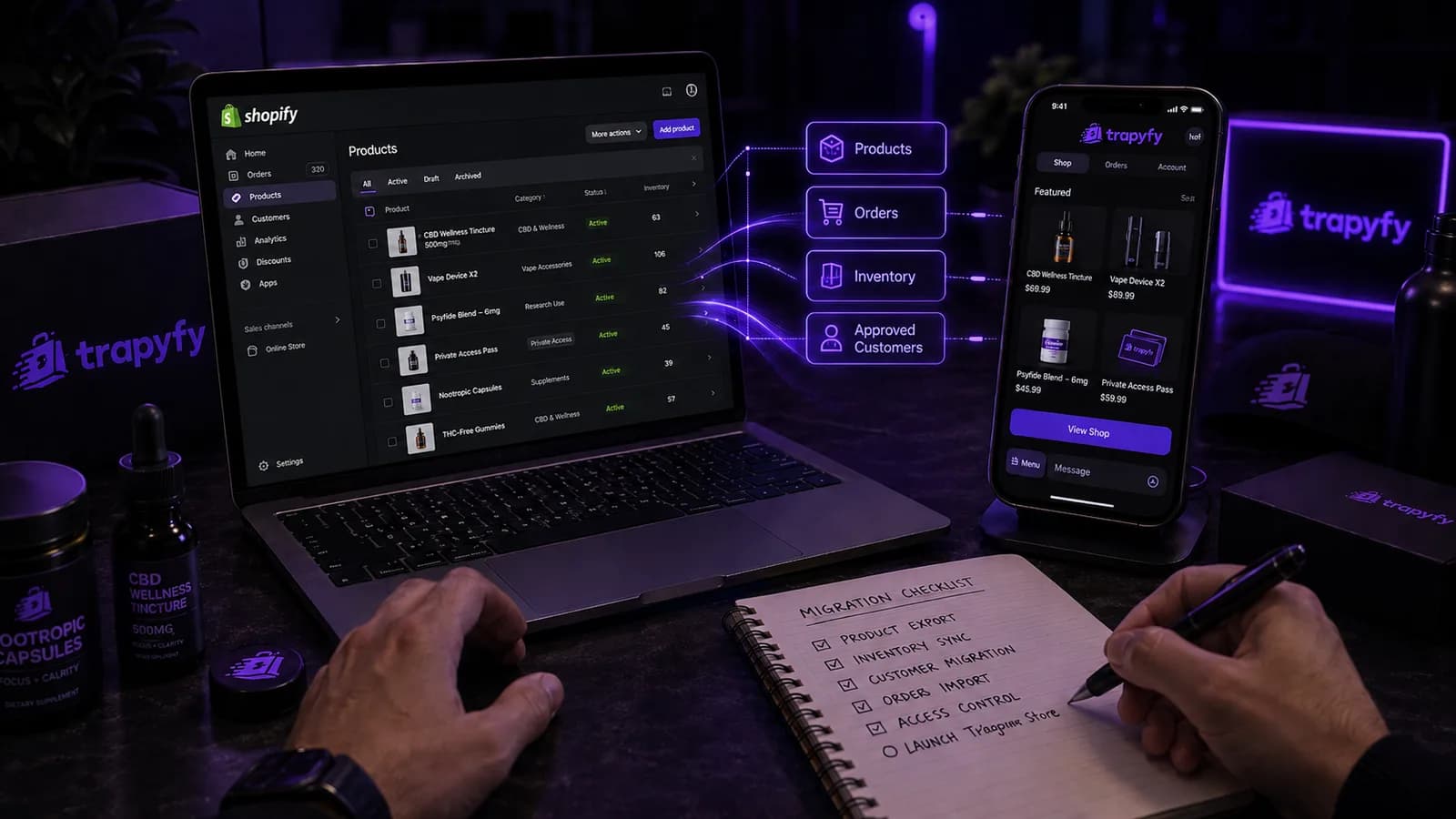
Most merchants who search for a Shopify Telegram integration are not looking for a plugin: they want to know which parts of a working ecommerce operation can realistically live inside a chat app. Moving from Shopify to Telegram is not a matter of copying a website into a bot. It means deciding which pieces of the commerce workflow should move, then rebuilding those flows around a conversation instead of a series of web pages. Trapyfy supplies the commerce infrastructure for that second part, providing the storefront, catalogue, inventory rules, order automation and fulfilment routing a Telegram channel needs once you have decided what to move.
A Shopify-to-Telegram migration is the work of recreating a Shopify store’s product, checkout, order and customer workflows inside a Telegram commerce experience. Some of it transfers as data you already hold, some has to be rebuilt because the two environments behave differently, and a fair amount does not need to move at all.
What migrating a Shopify store to Telegram actually means
Nothing moves automatically between the two platforms. Trapyfy does not provide a one-click Shopify import, a native Shopify connector or an automatic transfer of catalogues, customer accounts or historic orders. What you are really planning is a rebuild of the customer-facing workflow, using product information you already own.
| Shopify element | Telegram equivalent | Migration consideration |
|---|---|---|
| Products | Telegram catalogue entries | Names, images, prices and descriptions are re-entered and rewritten for a small screen |
| Collections and categories | Simple browsing structure | Deep nesting does not survive a chat interface; flatten it |
| Variants | Selectable options in the flow | Must be chosen by tapping, not explained in a paragraph |
| Inventory | Stock rules behind the storefront | Decide which system is the source of truth before launch |
| Checkout | A guided conversation | Rebuilt entirely; there is no multi-step web form to copy |
| Payments | Methods configured for the new channel | Shopify payment settings do not carry across |
| Orders | New order records in Telegram | Historic Shopify orders stay in Shopify unless you export them yourself |
| Customer accounts | Customers who opt in to the channel | Accounts and passwords do not transfer; people join by choice |
| Fulfilment | Routing rules for the new order source | Warehouses and carriers stay; the trigger changes |
| Apps and integrations | API or webhook connections | Rebuilt only where the function is genuinely business-critical |
Read down that table and the split becomes clear. Product data is portable. Structure, checkout and customer relationships are not.
Replacing Shopify or adding Telegram as a second sales channel
A Shopify Telegram integration does not have to mean leaving Shopify. Three models are realistic, and most merchants overestimate how quickly they need the third.
- Shopify stays primary. Telegram handles a narrow job: drops, a private range, one market, or repeat orders from an existing community. Lowest risk, quickest to test.
- Shopify and Telegram run in parallel. Both take orders, with agreed rules on stock and pricing. More operational work, but it protects search traffic while the new channel proves itself.
- Telegram becomes the primary sales flow. Suited to brands whose demand already comes from communities, direct messages and repeat buyers rather than search.
If you are still deciding between the platforms rather than planning the move, the comparison of a Telegram shop and a Shopify store covers that choice properly, and the guide to adding Telegram as a sales channel covers the second model in more depth. This article assumes the decision is made and the work is ahead of you.
Step 1: Audit your Shopify store before moving anything
Export what you have and read it honestly. Most catalogues contain products that have not sold in a year, and those should not be the first thing you rebuild.
- Active products, variants and SKUs, with sales volume against each.
- Current stock levels and where that stock physically sits.
- Category structure, and how much of it customers actually use.
- Pricing, discounts and any market-specific pricing rules.
- Shipping zones, rates and delivery timeframes.
- Payment methods in use, and which ones your customers prefer.
- Order statuses and what triggers each transition.
- Customer communication: confirmations, dispatch notices, support replies.
- Apps and integrations, marked as essential, useful or forgotten.
This audit is the migration plan. Everything that follows is a decision about one of these lines.
Step 2: Decide which products belong in Telegram
Copying the full catalogue is the most common mistake. A conversation is a narrow window, and a customer scrolling through 400 items on a phone will not find the one they wanted. Start with bestsellers, high-margin lines, products that already generate questions by message, drops and limited stock, or a range built specifically for this audience.
Keep the category structure shallow, the product copy short and the variants tappable. Images need to be legible at phone size, because that is the only size they will be seen at. The guide to structuring a Telegram product catalogue covers naming and nesting in detail, and product and inventory control handles variations, per-country pricing and multi-warehouse stock once the range is set.
Step 3: Build the Telegram storefront
The journey you are rebuilding is short: the customer opens Telegram, enters the storefront, browses a category, opens a product, selects a variant, checks out, pays and receives a confirmation. Every step happens inside the same conversation, which is the point and also the constraint.
Loose product messages posted into a channel are a feed, not a shop: prices drift, stock is wrong and nobody can browse. Trapyfy’s bot storefront creation is built around that buying flow, whether you are launching a new Telegram store or connecting one you already run. If Telegram selling is new to your team, the guide to selling on Telegram covers the fundamentals this article assumes.
Step 4: Map how orders will move through the new system
Shopify gave you an order pipeline you probably stopped thinking about, and you now have to define it again: new order, payment confirmed, accepted, prepared, dispatched with tracking, delivered, closed. Write down what triggers each transition and who or what performs it.
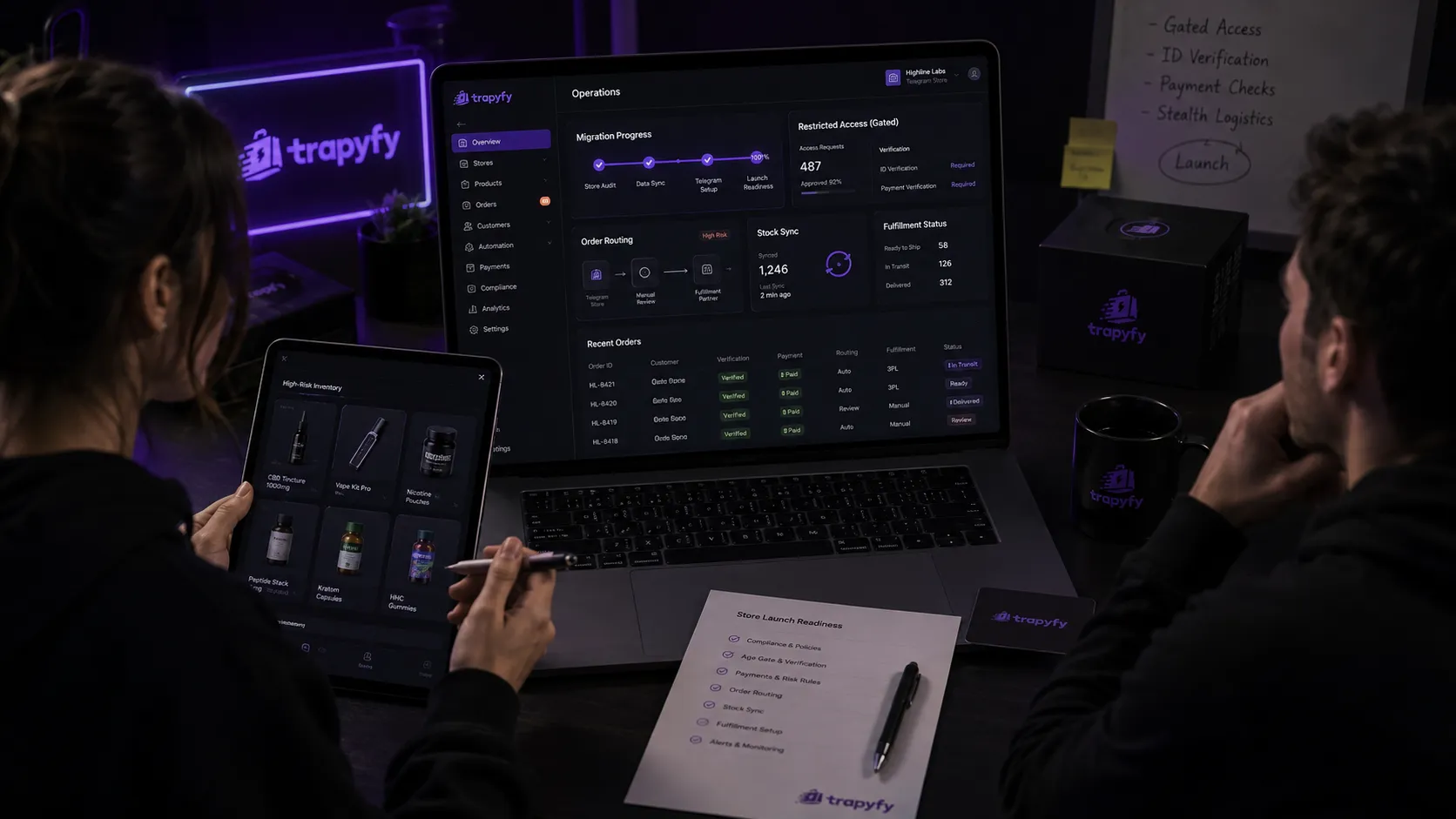
Manual handling works at low volume and stops working quickly. Telegram order automation covers payment confirmation, status changes and customer updates, while fulfilment routing assigns each order to the right warehouse or supplier based on stock and location. Your carriers and warehouses do not change during a migration. What changes is where the order arrives from.
Step 5: Decide how Shopify and Telegram will share data
If both systems will run at once, agree on a single question first: which one is the source of truth for stock? Everything else follows from the answer. Without it you will oversell, and overselling in a channel where the customer is already in conversation with you is far more damaging than a web-store apology email.
There is no ready-made connector here. A Shopify Telegram integration is something merchants build themselves, using APIs and webhooks on both sides to pass product updates when details or prices change, order events when a Telegram order is placed, inventory changes when either channel sells a unit, and fulfilment events when something ships. A Telegram ecommerce API for exactly this work is planned for a future Trapyfy release. It is not available today, so this route is not yet open.
Step 6: Plan the customer transition
Your Shopify customers do not become Telegram customers by default, and they should not be moved without asking. Accounts, saved addresses and order history stay where they are. What you can do is invite people and let them choose.
Announce the channel through routes customers already accept: your email list, order confirmations, the website, packaging inserts, social profiles. Explain what the channel is for, what they gain by joining and what happens to their existing account. Make joining an explicit opt-in, and confirm your own consent and data-handling obligations rather than assuming a new channel changes them. Keep support visible in both places while both are live, because a customer who cannot find help returns to whichever channel answered last.
Step 7: Test the Telegram commerce flow before redirecting customers
Place real test orders before anyone else does. Work through the whole path rather than checking components in isolation.
- Product data: names, descriptions, images and variants match your source records.
- Prices and currencies display correctly for each market you serve.
- Stock decrements as expected, and a sold-out item stops being offered.
- Checkout completes without the customer leaving the conversation.
- Payment succeeds, and the amount and currency are clear before committing.
- Confirmation arrives promptly and reads like your brand.
- The order appears in your operations view with the right status.
- Fulfilment routing sends it to the correct warehouse or supplier.
- Tracking reaches the customer inside Telegram.
- The whole flow is legible on a phone, which is where it will be used.
- Failure cases behave sensibly: payment declined, item out of stock, wrong variant, customer abandoning halfway.
An example Shopify to Telegram migration workflow
Take a small UK brand selling a few dozen SKUs through Shopify, with an active Telegram community it currently only uses for announcements. A realistic sequence looks like this.
- Export the Shopify catalogue, stock levels and twelve months of order data.
- Select twenty products for Telegram: bestsellers, two bundles and one channel-exclusive line.
- Create the Telegram storefront with three flat categories.
- Configure product data, variants and stock rules, deciding that Shopify remains the source of truth for stock.
- Set up payment methods and confirm what the customer sees before paying.
- Configure order automation: confirmation, status changes and dispatch notifications.
- Decide how stock stays aligned between the two systems, and keep one of them authoritative.
- Run test orders across every product type and every failure case.
- Open the channel to the existing community, keeping Shopify running unchanged.
- Review after four to six weeks, then decide whether the range or the channel’s role should expand.
Note what is absent: no big-bang cutover, no closing of the Shopify store, no attempt to move customer accounts.
Common Shopify to Telegram migration mistakes
- Copying the whole catalogue. A chat interface punishes breadth; curate first, expand later.
- Expecting Telegram to behave like a website. No filters, sidebars or comparison tables, so the flow has to be linear.
- Launching before testing payments and orders. A failed first order in a conversation costs more trust than a failed web checkout.
- Leaving stock unsynchronised. Two channels selling from one shelf without agreed rules will oversell.
- Breaking existing customer journeys. Redirecting traffic before the channel is proven loses orders you already had.
- Replacing Shopify immediately. Search visibility, content and open discovery do not follow you into Telegram.
- Never defining the source of truth. Every stock and pricing dispute traces back to this one unmade decision.
When a Telegram ecommerce API becomes useful
For a small curated range managed in one place, an integration layer is unnecessary work. It starts to pay for itself when the channel stops being isolated: when stock lives in an ERP or warehouse system other channels already read from, when fulfilment runs through a 3PL expecting a specific order format, when you reconcile several sales channels daily, or when internal tooling needs Telegram order data alongside everything else. At that point manual synchronisation becomes the constraint, and connecting the channel through a Telegram ecommerce API would cost less than the errors. Trapyfy’s is planned for a future release, so for now that alignment stays manual.
Shopify to Telegram migration checklist
| Stage | Confirm before going live |
|---|---|
| Before migration | Catalogue exported, sales data reviewed, migration model chosen, source of truth agreed |
| Storefront | Flat category structure, browsable products, visible support route, brand voice consistent |
| Products | Selected range entered, variants selectable, images legible on a phone, copy shortened |
| Payments | Methods configured, currency and amount clear before commitment, confirmation unambiguous |
| Orders | Status pipeline defined, triggers assigned, automated messages written and approved |
| Inventory | Stock rules set, cross-channel behaviour decided, sold-out handling tested |
| Fulfilment | Routing rules mapped to warehouses or suppliers, delivery zones and timeframes published |
| Integrations | API or webhook connections built and authenticated, or consciously deferred |
| Testing | End-to-end test orders completed, including declined payments and out-of-stock cases |
| Launch | Opt-in invitation sent, entry points live, support cover in place, review date set |
Shopify to Telegram migration FAQs
Can you connect Shopify to Telegram?
There is no official Shopify Telegram integration that links the two platforms out of the box. Merchants who run both connect them through APIs and webhooks, either built in-house or by a developer, to pass product, inventory, order and fulfilment events between the systems. Trapyfy does not currently provide an external API for that connection, and does not supply a ready-made Shopify connector. A developer API is planned for a future release.
Can I sell Shopify products through Telegram?
Yes. The products themselves are yours, so the same range can be offered in a Telegram storefront. The catalogue is set up in Telegram rather than imported automatically, and most merchants deliberately offer a subset rather than the entire Shopify catalogue, because a chat interface suits a curated range far better than a broad one.
Can Telegram replace Shopify?
For some businesses, yes, particularly those whose demand comes from communities, direct messages and repeat customers rather than search. A website still does things Telegram cannot: search visibility, content, and discovery by people who have never heard of you. Most brands find that running both, at least for a period, is the more realistic route.
How do you move products from Shopify to Telegram?
Export the catalogue from Shopify, decide which products belong in the new channel, then set those products up in the Telegram storefront with their variants, prices, stock rules and images. It is a rebuild using data you already hold, not an automatic import, which is why curating the range first saves considerable work.
Can Shopify and Telegram be used together?
Yes, and running both is the most common arrangement. Shopify continues to serve search traffic and the full catalogue while Telegram serves a community, a market or a product line. Any Shopify Telegram integration between them starts with one decision: which system holds authoritative stock and pricing, and how the other is kept consistent with it.
Do I need a custom Telegram bot?
Not usually. A custom bot means paying for development and maintenance of catalogue browsing, order states and stock handling that already exist as infrastructure. A commerce platform provides that layer, leaving custom development for genuinely specific requirements rather than the basics of selling.
How do I automate Telegram store orders?
Define the order pipeline first, then automate the repetitive transitions within it: payment confirmation, status changes, dispatch notifications and internal routing to the right warehouse or supplier. Automation should still sound like your brand, because a confusing automated reply in a conversation costs more than the time it saved.
Move the workflow, not just the product list
The merchants who make a Shopify Telegram integration work treat it as an operational project, not a content-copying exercise. They choose a small range, rebuild the buying flow around a conversation, agree where stock truth lives, test properly and keep Shopify running while the new channel earns its place. The ones who struggle exported everything, uploaded everything, and discovered on day one that a phone screen is not a shop window. Once you know which part of your Shopify workflow belongs inside Telegram, you can check what it costs to run and build your Telegram store with Trapyfy.