


A Telegram shop built for real operations
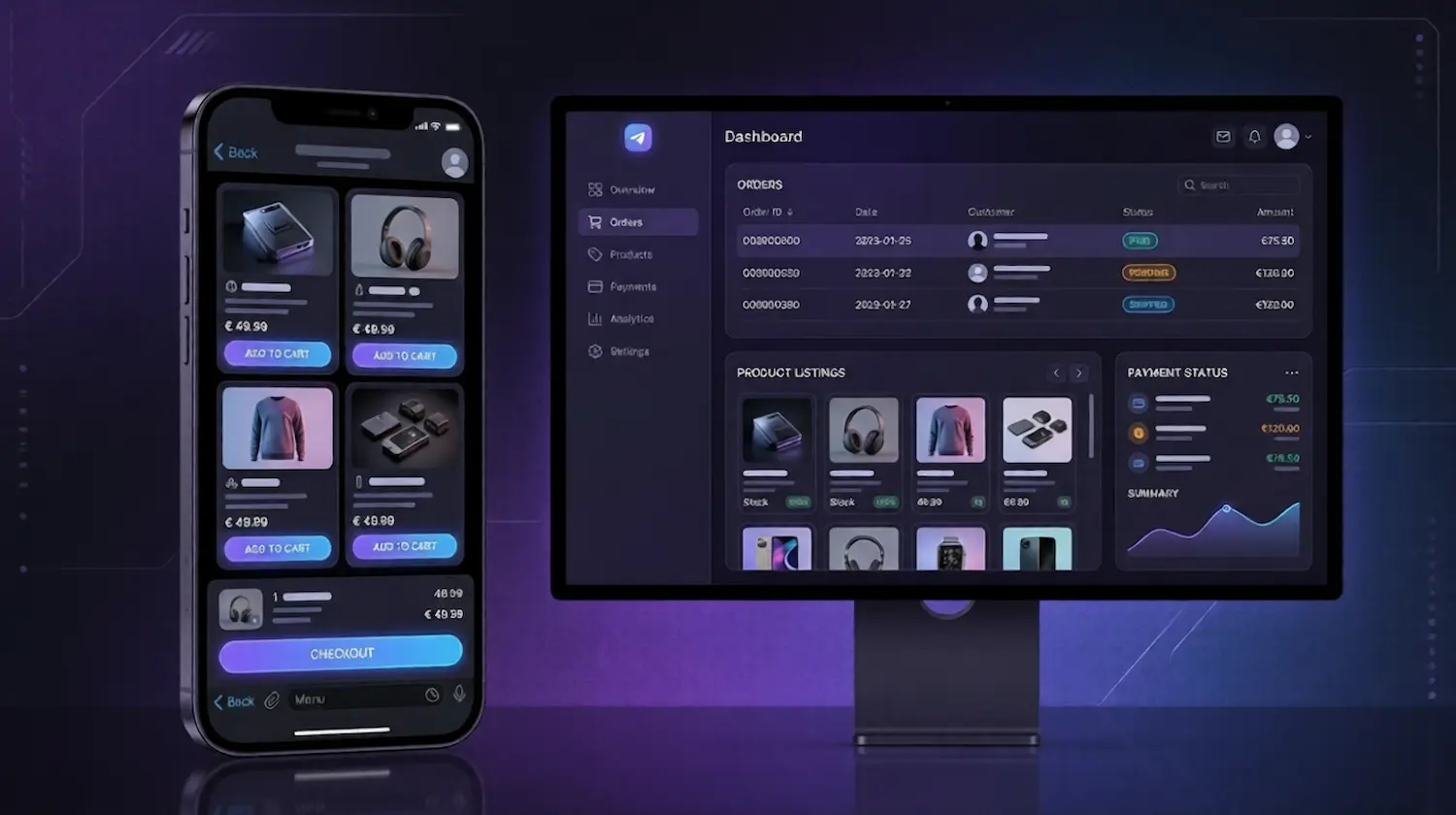
Organise your products in one storefront
Create a structured Telegram shop where customers can browse products, explore categories, and place orders more easily.
Keep checkout connected to the buying flow
Reduce friction with a smoother path from product discovery to checkout inside Telegram.
Handle orders more efficiently as you grow
Manage confirmations, updates, and recurring actions with less manual work.
More than a basic Telegram bot builder
Most Telegram tools help you create bots.
Trapyfy helps you run a shop.
Built for selling, not just messaging
Many Telegram bot tools focus on commands, replies, and simple automations. Trapyfy is designed for product browsing, checkout, payments, and order handling. If you are still weighing up the options, our guide to how Telegram bot stores work covers the background.
A more connected buying experience
Instead of handling sales across chats, links, and manual steps, Trapyfy keeps the process more structured inside one storefront.
Made for merchants who need more control
Trapyfy supports structured selling flows for businesses that need more flexibility, including merchants operating in regulated or higher-risk environments.
How your Telegram shop works
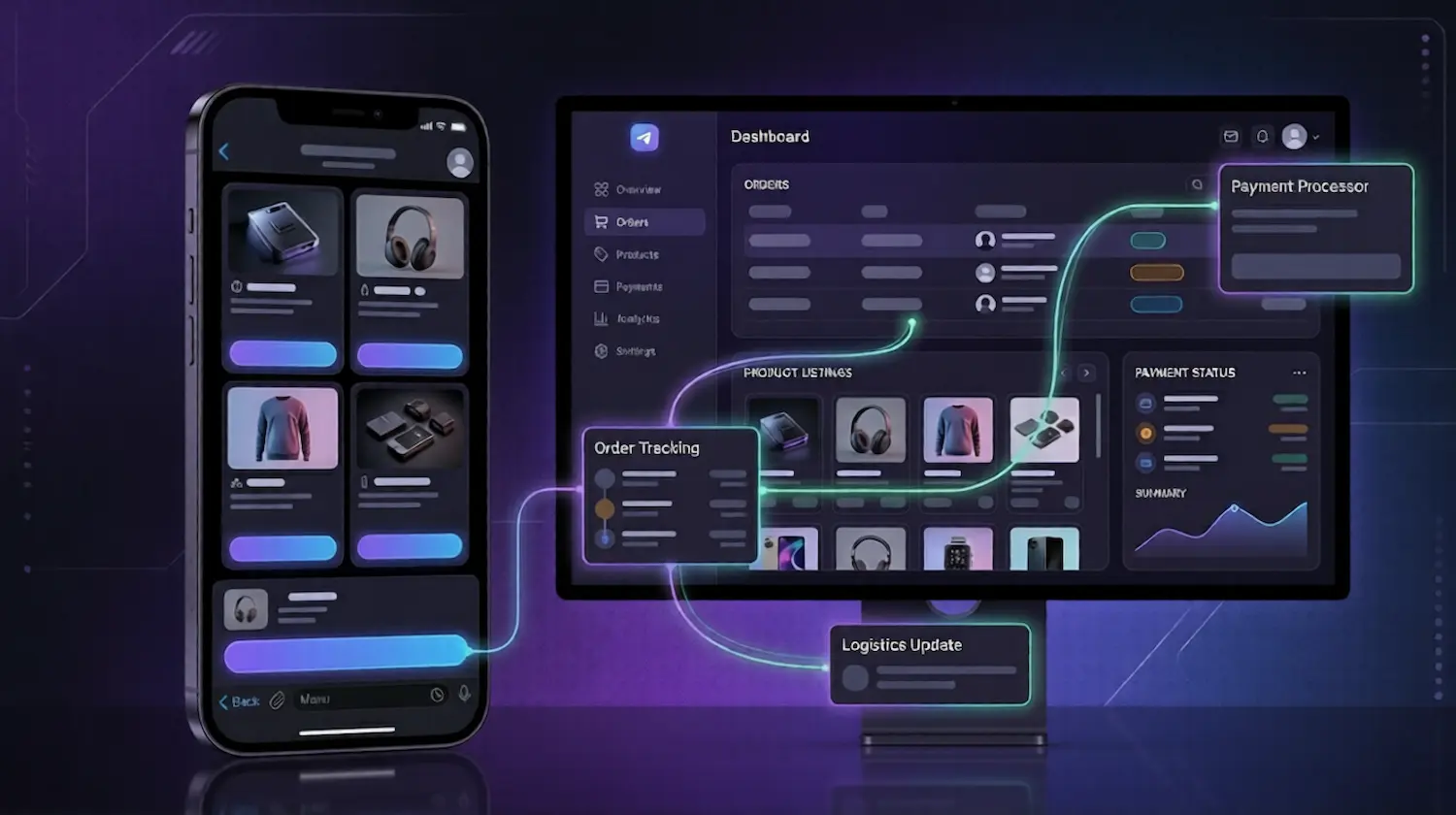
Set up your storefront
Add products, organise categories, and configure your Telegram shop around the way you sell.
Customers browse and place orders
Shoppers explore your products, move through the storefront, and complete actions inside Telegram.
Manage orders from one system
Track orders, follow updates, and keep your workflow more organised as activity grows.
What you need to launch
Creating a Telegram shop with Trapyfy requires no coding. Before your storefront can take a live order, you need:
- A Trapyfy merchant account and organisation.
- A Telegram bot created in BotFather. You paste its bot token into Trapyfy under Organizations → Manage Platform Keys.
- Products set to Published, each with a title, description, images, categories and an SKU.
- A price for every country you sell into. Pricing is set per country, and a product with no price for the customer’s country is not purchasable there.
- A warehouse assigned to that country, with stock entered on the product’s Inventory tab.
- At least one active shipping method for that country.
- At least one payment method enabled — Niftipay for card and crypto payments, or a manual method such as cash on delivery.
The full setup sequence, including a test order, is documented in the Trapyfy launch guide.
Three essentials for a better Telegram shop
The core building blocks of a smoother Telegram buying experience
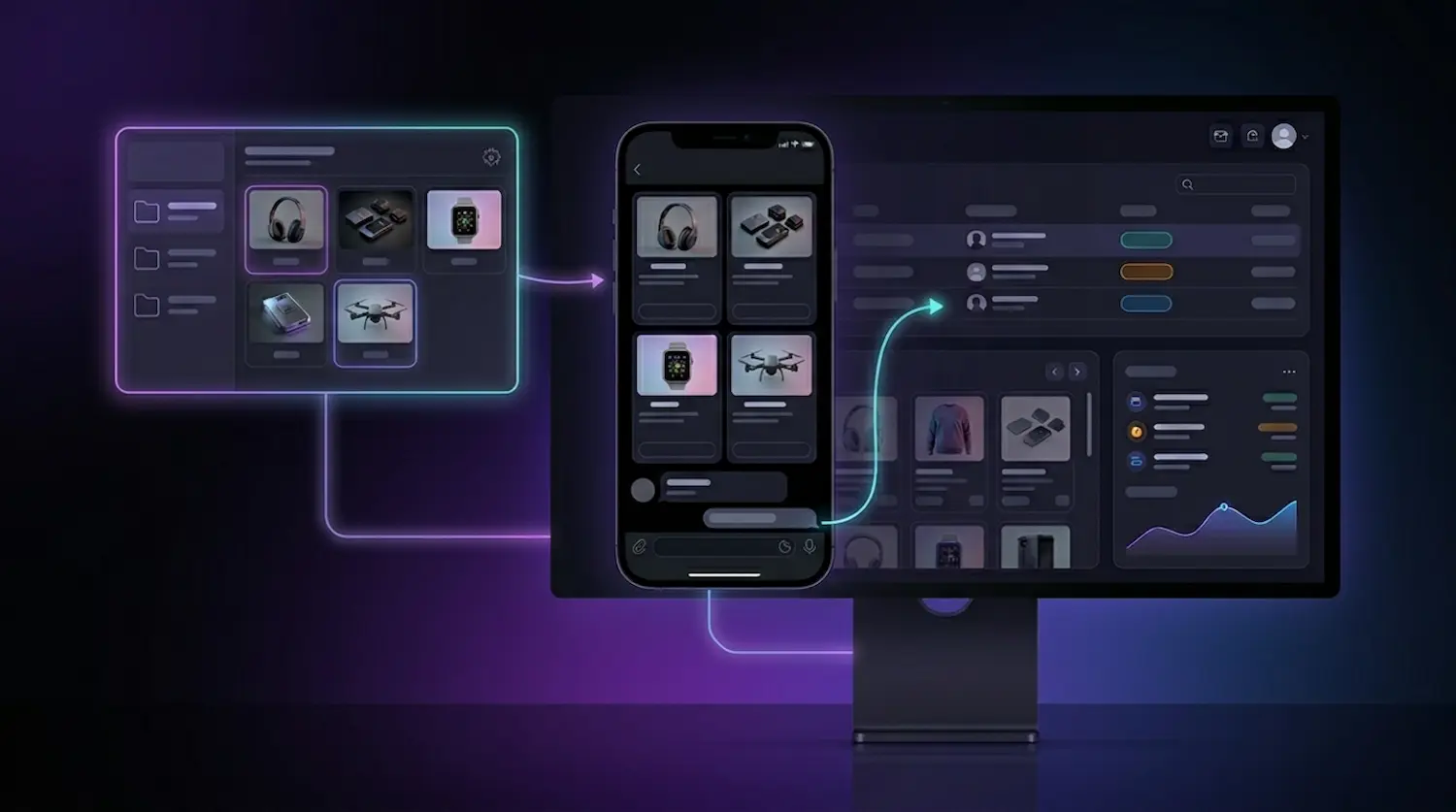
Sell inside Telegram
Turn your bot into a structured storefront where customers can browse products and place orders without leaving the chat.
Reduce checkout friction
Keep the buying journey more connected instead of sending customers through fragmented steps.
Support growth with less manual work
Use a more structured setup for confirmations, updates, and recurring order actions.
Frequently questions, answered
Quick answers to the most common questions about our platform.
A Telegram shop is a storefront that runs inside the Telegram app. Customers open your bot, browse categories and products, add items to a cart and place an order without leaving Telegram, while you manage the catalogue, pricing, stock and orders from the Trapyfy dashboard.