Product control built for real Telegram operations
Manage every product from one place
Create, update, and organise your product catalog without relying on pinned messages, spreadsheets, or scattered chats.
Keep stock, pricing, and availability aligned
Make it clearer what can be sold, what needs updating, and which products should stay visible to customers.
Support fulfillment from multiple sources
Keep product availability connected to the way orders are prepared, routed, and delivered as your Telegram store grows.
What the catalogue holds
Products are either simple or variable. Attributes — size, colour, weight, format, package — define the reusable options, and variations are the purchasable combinations built from them, each able to carry its own SKU, price, image and stock. Prices are set per country rather than from a single global currency, and stock is tracked per warehouse, so the same product can be available in one country and not another. A warehouse in Trapyfy is any named stock pool: a retail location, a regional distribution centre, a shared pool, or a temporary allocation for an event or trade show.
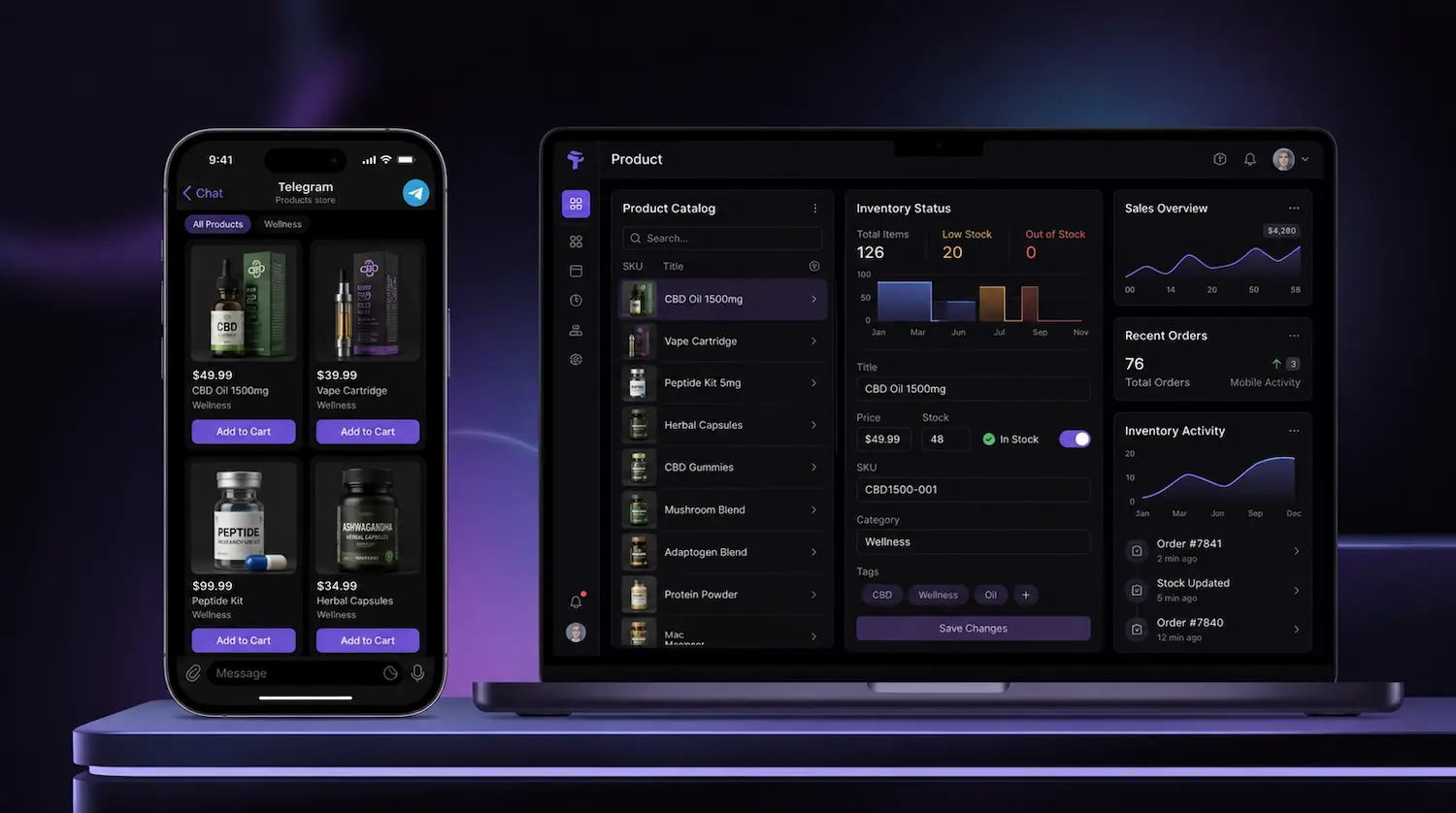
Connect inventory to the full Telegram buying flow
Show customers what is ready to sell
Keep product availability clearer before customers move into checkout, so the buying journey feels more reliable from the start.
Keep product data connected to orders
Link product details, pricing, and stock status to the way orders are created and managed inside your Telegram store.
Support smoother fulfillment decisions
Make it easier to route orders based on availability, product type, and the way your business prepares or delivers each order.
When a product is available to buy
A product appears and is purchasable in a Telegram storefront, POS or kiosk flow only when all of the following are true:
- Its status is Published, not Draft.
- A price exists for the country the customer is buying from — and on the specific variation, where the product is a variable one.
- Stock exists in the relevant warehouse, entered on the product’s Inventory tab under Stock Quantities by Warehouse, unless backorders are enabled.
- That warehouse is assigned to the same organisation and country as the sales flow using it.
When one of these is missing, the effect is specific rather than total. A draft product is hidden from every channel; a published product with no country price is not purchasable in that country; a published product with no warehouse stock is unavailable unless backorders are switched on. Availability rules are documented in the product and catalogue guide.
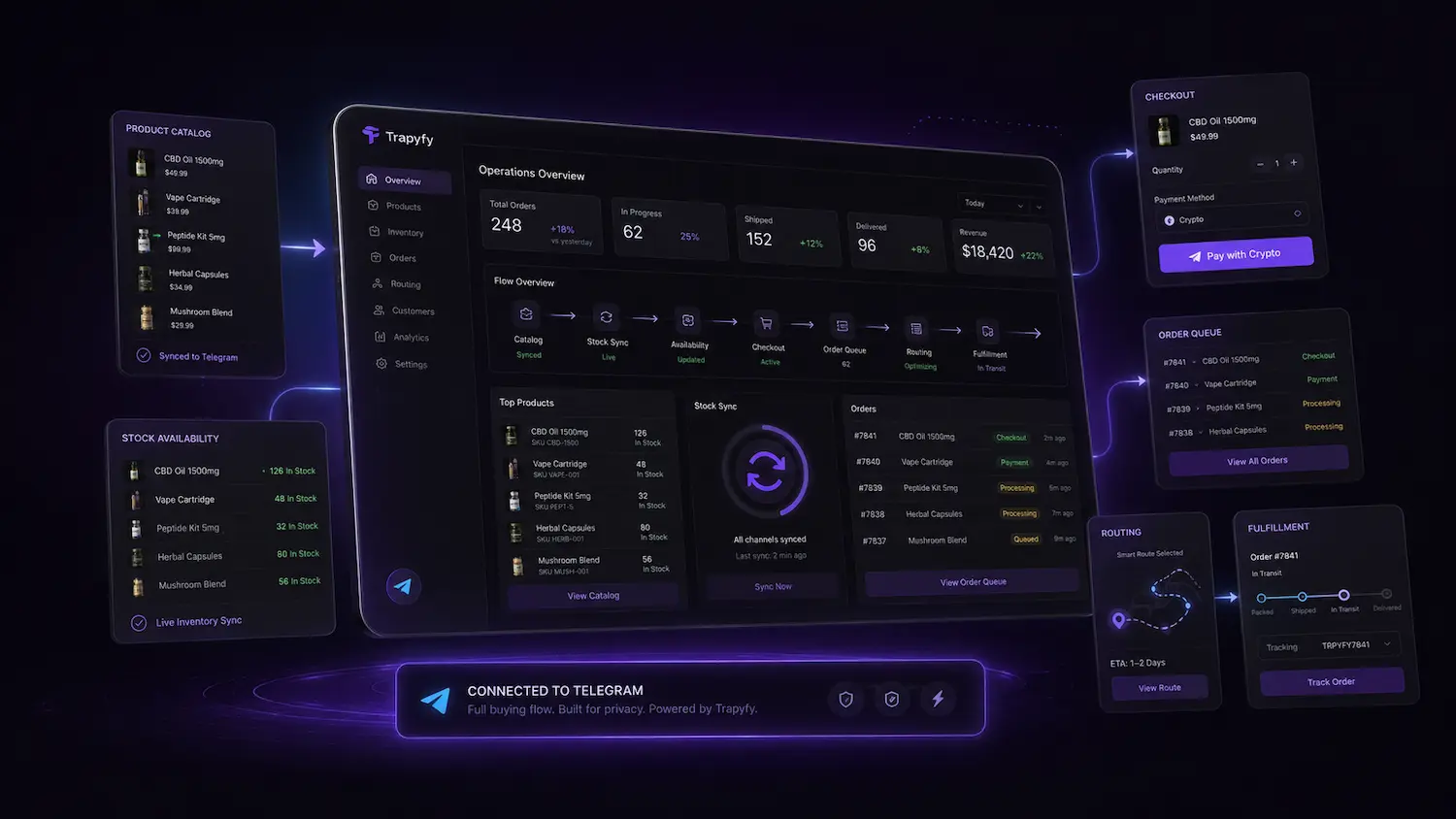
Inventory operations that keep pace with real stock
Beyond the catalogue and pricing, see how Trapyfy tracks stock as it moves between warehouses, runs low, and turns into a reorder decision.

Warehouse transfers
Move stock between your own warehouses as a reviewable document: add your lines, review exactly what changes on both sides, then confirm to dispatch.
Low-stock alerts
Stock is tracked per warehouse, so low inventory products and low-stock risks are easy to spot before they turn into a missed sale.
Product performance reports
See quantity sold by product and SKU over any date range to spot what is selling, what has slowed down, and what to reorder.
Warehouse transfers
Move stock between your own warehouses as a reviewable document: add your lines, review exactly what changes on both sides, then confirm to dispatch.
Low-stock alerts
Stock is tracked per warehouse, so low inventory products and low-stock risks are easy to spot before they turn into a missed sale.
Product performance reports
See quantity sold by product and SKU over any date range to spot what is selling, what has slowed down, and what to reorder.
Telegram inventory management that tracks every transfer
Transfers are a reviewable document, not a guess
Moving stock between your own warehouses works the same way everywhere: pick a source and a destination, add the product, variation and country lines you are moving, and review a diff of exactly what each warehouse will hold before anything moves. A line with a problem — more units than the source holds, a country the destination does not stock — is flagged and cannot be confirmed until it is fixed.
Stock in transit cannot be sold from either side
Once you confirm a transfer, stock leaves the source warehouse and sits in transit until it lands at the destination — it belongs to neither warehouse in between, so it is never offered to a customer from either one. For stock moving between shelves at the same site, Move now dispatches and receives in a single step, after showing you the same review diff first.
Partial receipts and losses are recorded, not guessed at
You do not have to receive a transfer in one go: receive what has arrived, and the rest stays in transit until you receive it or close the transfer. Units that never turn up can be recorded as lost when you close it, so they stay accounted for — a loss is never logged as a sale. Cancelling a dispatched transfer returns everything still in transit to the source warehouse.
Available, reserved and in-transit stock are three different numbers
Available stock is what can be sold right now. Reserved stock is already tied to a confirmed order, held back so it cannot be sold twice while that order is fulfilled. Stock in transit between warehouses is neither of those, and none of it adds up to a guarantee: Trapyfy does not promise perfect real-time sync or rule out overselling entirely on its own. Because fulfillment routing allocates Telegram orders from the fullest warehouse serving the customer’s country first, moving stock between warehouses can also change which warehouse your next orders draw from.
None of this replaces watching what is actually selling: the Product Performance report shows quantity sold by product and SKU over any date range you choose, so a reorder decision comes from real sales history rather than a guess — the same data that lines up with order automation downstream.
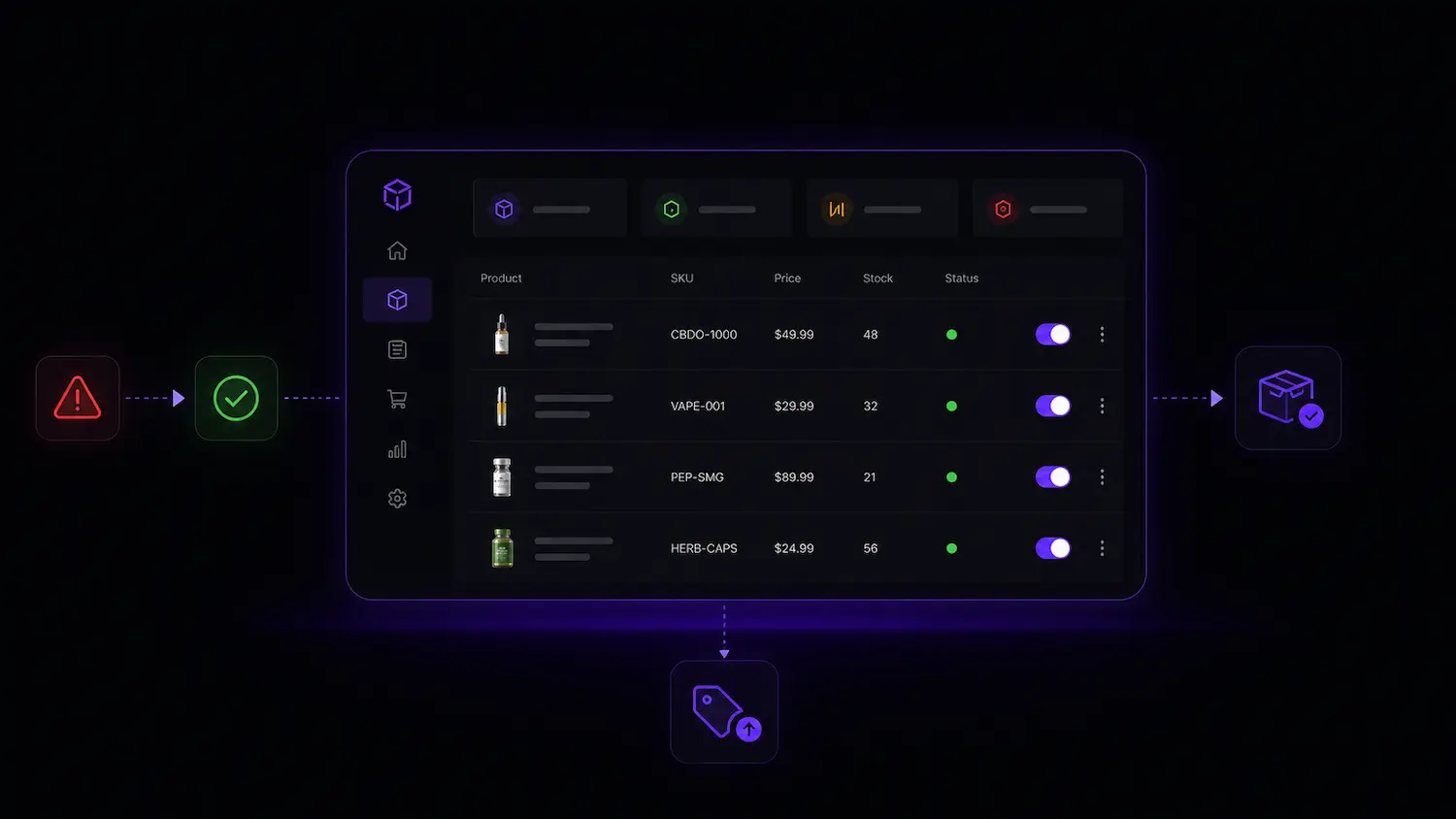

Product & Inventory Control FAQs
Quick answers about managing products, stock, warehouse transfers, and availability with Trapyfy.
Stock is tracked per warehouse and decremented against the warehouse an order is fulfilled from. A product with stock management enabled and zero quantity in the relevant warehouse does not appear in that storefront, POS or kiosk flow unless you enable backorders, so customers are not offered items you cannot ship.