
A smarter way to manage fulfillment inside Telegram
Route orders by stock availability
Send orders toward the supplier or warehouse that can actually fulfill them, instead of checking product availability manually after every sale.
Keep payment and fulfillment connected
Move orders forward only when the payment status is confirmed, so your fulfillment process stays aligned with the customer checkout flow.
Reduce supplier handoffs
Avoid copying order details between Telegram chats, spreadsheets, suppliers, and warehouse teams as your store grows.
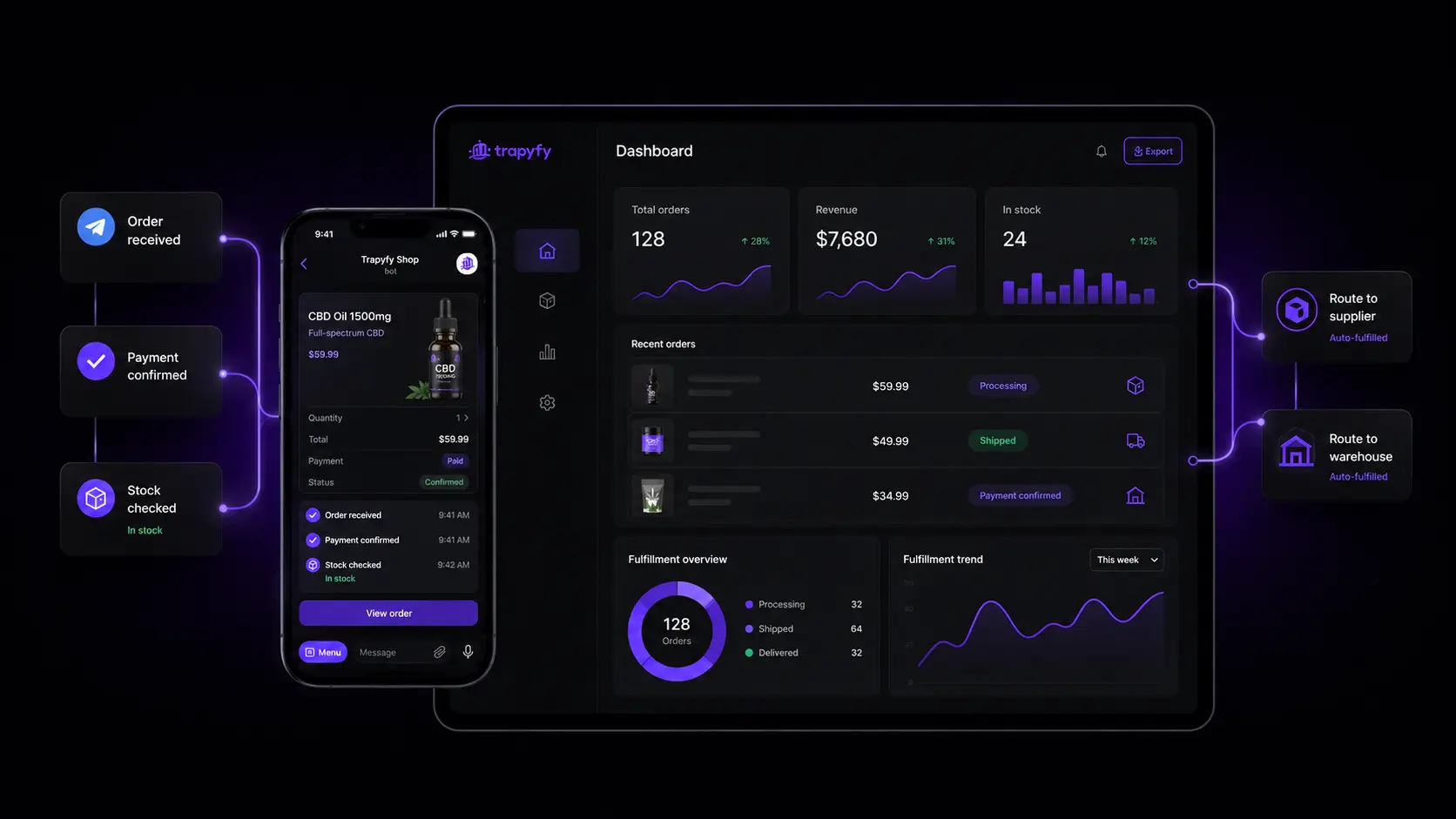
How suppliers share stock with resellers
Suppliers share products with a transfer cost
A supplier opens Warehouses → Share Links, picks the products or variations to share, sets a transfer cost per product and per country, and sends a private link to the resellers they choose.
Resellers accept and set their own retail price
The reseller opens the link and accepts the sync. The product lands in their product and inventory control catalog with an SHD-prefixed SKU that stays linked to the supplier’s original listing. From there, the reseller sets their own retail price, title, description, category, images and publication status — it sells under their own brand, not the supplier’s.
What stays under the supplier’s control
The transfer cost, the SKU link back to the original listing, and the underlying stock and warehouse relationship stay locked to the supplier. The reseller decides how to present and price the product, not what it costs them to source it.
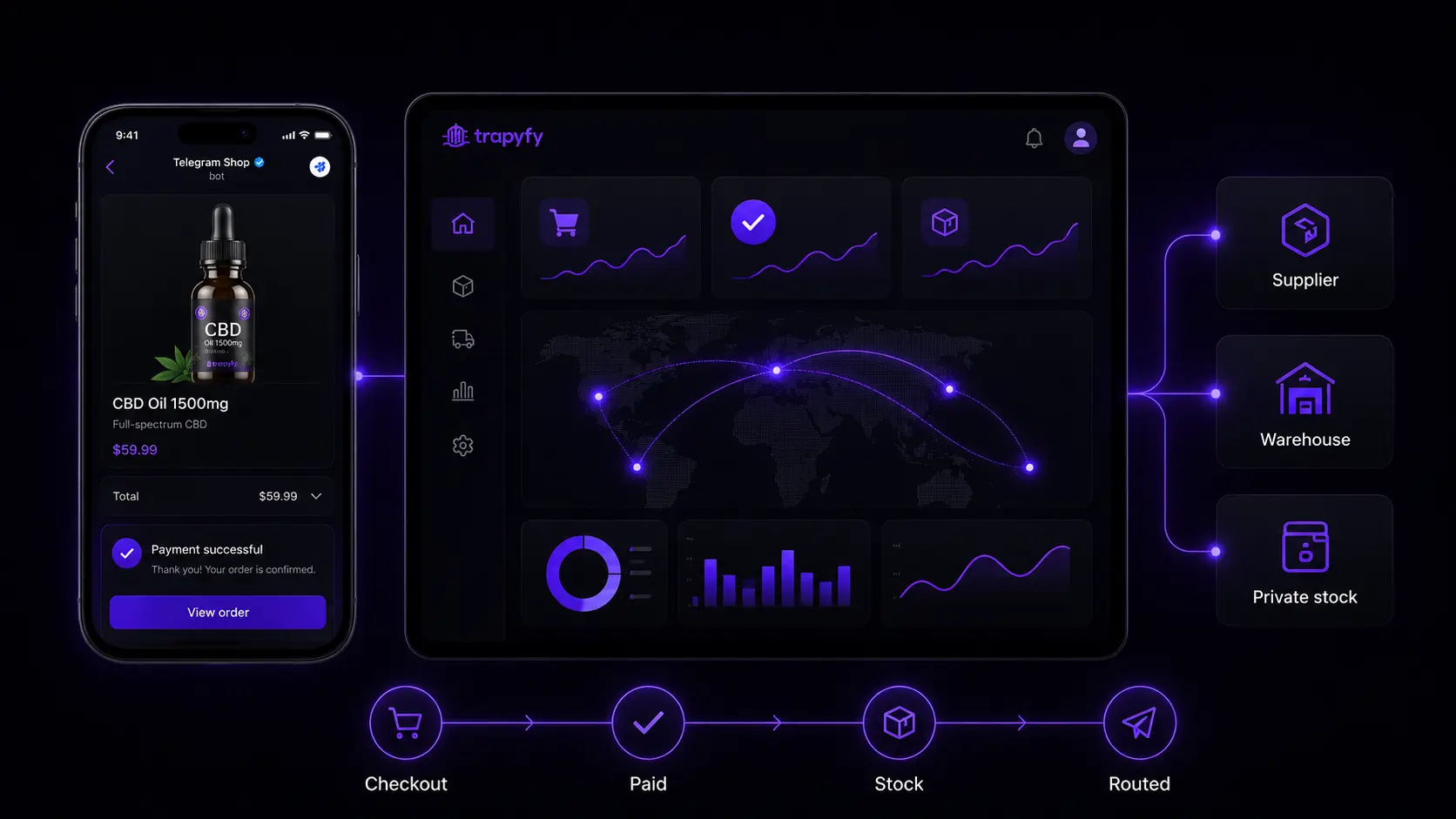
How fulfillment routing works
Order received inside Telegram
Customers place an order through your Telegram shop, keeping the buying experience simple and direct.
Payment status is checked
Trapyfy helps connect the order flow with payment confirmation before the fulfillment process moves forward.
Stock and supplier availability are reviewed
Each order can be matched with the right fulfillment path based on product availability, supplier stock, and the warehouses that serve the customer’s country.
The order is routed
Send the order to the right supplier, warehouse, or private stock flow without managing every handoff manually.
The customer stays updated
Keep buyers informed from the same Telegram experience, from checkout to fulfillment progress.
New to this? Our guide on how fulfilment automation works explains the routing logic and when it is worth automating.
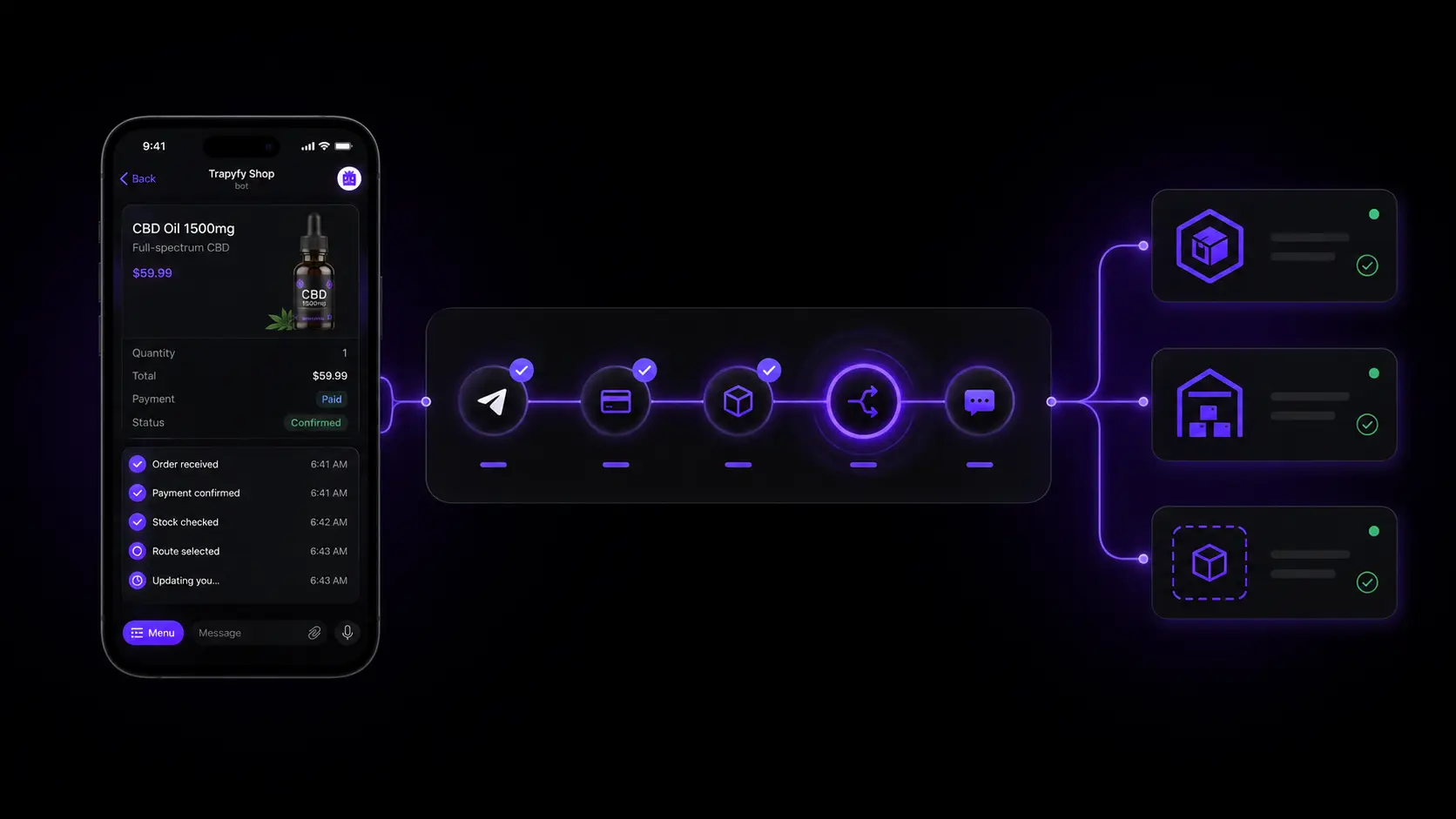
What happens when a shared product sells
Margin, not guesswork
Trapyfy shows the reseller’s margin on every shared-product sale as retail price minus transfer cost — what the customer paid minus what the reseller owes the supplier. It is not a net-profit figure; shipping, fees and other costs are not included.
A linked supplier order opens automatically
Once the customer’s order is confirmed, Trapyfy opens a matching supplier order (prefixed S-) for the same quantity and reserves the stock from the supplier’s warehouse. The supplier ships directly to the end customer, and if the reseller’s order is cancelled, the supplier order is cancelled and the stock is released.
Example: supplier, reseller and customer
A supplier lists a product with a $12 transfer cost. A reseller syncs it and lists it at $20. When a customer buys it, the reseller’s order is confirmed, an S-prefixed supplier order for one unit opens automatically, and the reseller’s margin on that sale is $8.
Combine with your own stock and warehouses
Shared products sit in the same catalog as the products you stock yourself, but the inventory stays separate: shared stock stays in the supplier’s warehouse and its own supplier orders, while anything you stock yourself lives in your own warehouses. Whether an order draws on your stock or the supplier’s depends on the product, so the two pools never merge. Stock is only reserved once an order is confirmed rather than the moment it is added to a cart, so keep a buffer if the same shared pool feeds more than one reseller — Trapyfy does not guarantee perfect real-time sync or rule out overselling across resellers on its own.
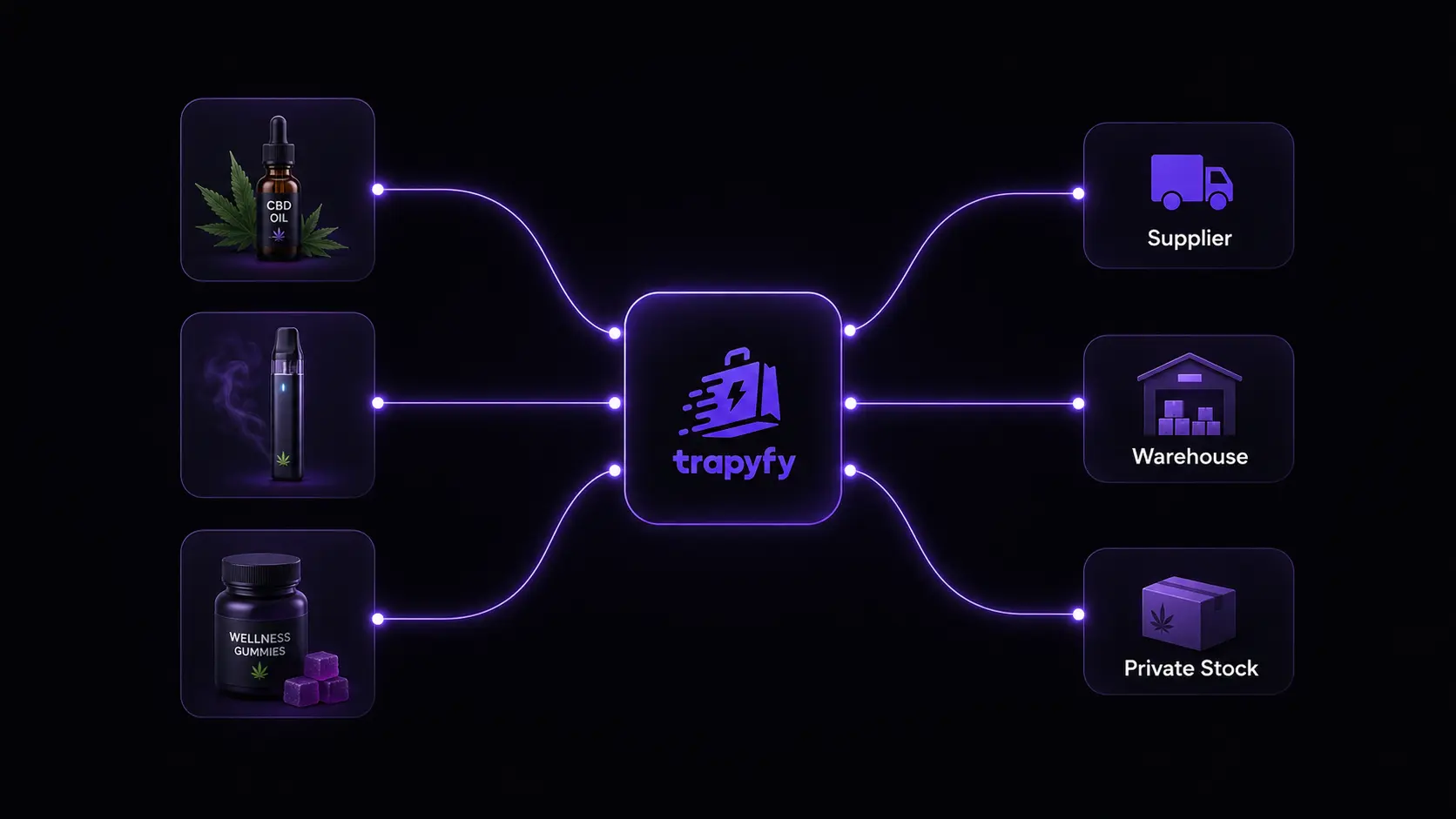
Three essentials for smoother Telegram fulfillment
Keep fulfillment cleaner as your Telegram store grows, with routing logic that connects stock, suppliers, resellers, warehouses, and customer updates.

Stock-aware routing
Route orders based on product availability, so you avoid sending confirmed orders to suppliers or warehouses that cannot fulfill them.
Transparent supplier economics
See the transfer cost and margin on every shared-product sale, so working with suppliers and resellers never feels like guesswork.
Clearer customer updates
Keep buyers informed after checkout with a more connected order flow inside Telegram, from payment confirmation to fulfillment progress.
Stock-aware routing
Route orders based on product availability, so you avoid sending confirmed orders to suppliers or warehouses that cannot fulfill them.
Transparent supplier economics
See the transfer cost and margin on every shared-product sale, so working with suppliers and resellers never feels like guesswork.
Clearer customer updates
Keep buyers informed after checkout with a more connected order flow inside Telegram, from payment confirmation to fulfillment progress.
Fulfillment routing FAQs
Quick answers about routing Telegram store orders with Trapyfy.
Telegram fulfillment routing means sending each order from your Telegram store to the right supplier, warehouse, or fulfillment process based on stock, product type, payment status, the customer's country, and supplier availability.