

Multi warehouse inventory management is the practice of tracking stock separately for every location a business sells from, so that each warehouse holds one accurate figure for what is physically present, what is available to sell, and what is currently moving between sites. The moment a Telegram store, retailer or ecommerce operator adds a second location — a second regional warehouse, a shared pool, or a temporary event allocation — the simple habit of checking “how much do we have left” stops answering the question a customer or fulfilment team actually needs answered.
Adding a location does not just double the counting work. It changes what a stock number means. A single-warehouse seller can treat “in stock” as one fact. A multi-location seller has to ask in stock where, available to whom, and for how long, before that number can be trusted at checkout.
What multi-warehouse inventory management means
Total inventory is the sum of every unit a business owns across every warehouse, retail location, distribution centre and temporary allocation. It is useful for finance and for reordering, but it is close to useless for deciding whether one specific customer, buying from one specific country or channel, can actually receive one specific product.
Available inventory is narrower: the quantity held in the one warehouse actually assigned to the store, country or channel that customer is buying from. A warehouse in this sense is any named stock pool — a physical retail location, a regional distribution centre, a shared pool, or a temporary allocation created for an event or trade show — and each one carries its own quantity for the same product. A jacket can show fifty units of total inventory while showing zero available inventory in the only warehouse a given storefront is allowed to sell from.
Multi-location inventory management is the discipline of keeping that second, narrower number correct location by location, rather than leaning on the first one to make selling decisions.
Why inventory becomes harder across multiple locations
A warehouse management system exists precisely to record the arrival and departure of inventory at each site, but even with one in place, splitting stock across locations multiplies the number of places an error can start:
- Separate records that drift apart. When each location keeps its own count — a spreadsheet per site, a notebook at the counter — the figures diverge the moment one is updated and the other is not.
- Updates that arrive late. A sale at one location does not reduce the number a second location is showing until someone, or some system, reconciles the two.
- Orders assigned to the wrong warehouse. A checkout can match a customer buying from one country to a warehouse with no stock, or no country assignment, for that product.
- Stock counted while it is moving. Units that have left one location but not yet arrived at another get counted twice — once at the origin because nobody updated it, once at the destination because someone assumed it had already landed.
None of this requires bad staff or bad intentions. It is what happens when the same physical stock has to be represented correctly in more than one place at the same time — which is exactly the gap multi warehouse inventory management is meant to close.
Stock visibility before moving inventory
Before a business moves a single unit between locations, a few things need to be known — not assumed:
- Stock at the origin. The quantity actually available in that one warehouse, not the total across every location.
- Expected demand and safety stock at both the origin and the destination over the period the transfer covers, since safety stock held at one location cannot cover a shortfall at another.
- Orders already placed against either warehouse that have not yet shipped, since those units are already spoken for.
- Capacity at the destination — space, staffing and equipment to receive and check what arrives.
- Whether backorders are enabled at either location, which changes what “available” means to a customer browsing right now.
Moving stock without this picture tends to produce the same outcome twice: a shortage where the stock used to be, and a surplus sitting uncounted where it has gone.
How a warehouse stock transfer should work
Regardless of the system behind it, a warehouse stock transfer is a repeatable sequence, not a single edit:
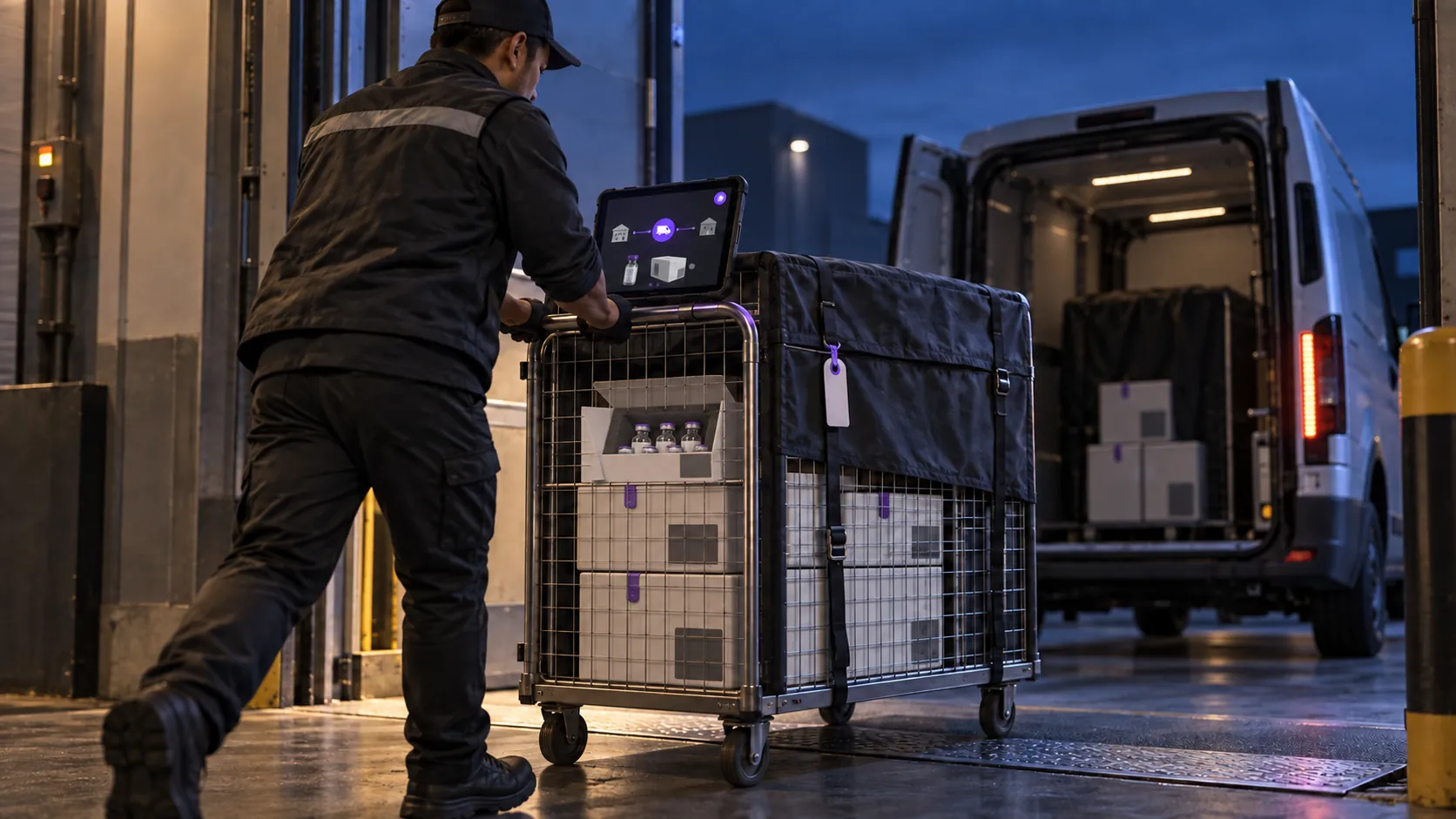
- Transfer requested. Someone identifies that a product, or a set of products, needs to move from one warehouse to another, and records the quantities involved.
- Stock removed or isolated at the origin. The units are set aside so they cannot also be picked for a separate order at the origin warehouse.
- Inventory marked as in transit. Between leaving one location and arriving at the next, the stock belongs to neither warehouse’s sellable count.
- Stock received at the destination. Someone checks in what has physically arrived, which is not always identical to what was dispatched.
- Quantities checked and reconciled. Any gap between what left and what arrived is recorded — as a loss, a delay, or a correction — rather than quietly absorbed into the new total.
Skipping the middle step is where most multi-location inventory errors are born. A transfer without an in-transit state is really just two disconnected edits, made at different times, by people who cannot see each other’s number.
When transferred stock should become available
Stock should never appear sellable in two places at once. That means separating three states that are easy to blur together:
- Physical stock — where the units actually are right now, regardless of what any system says.
- Available stock — what a specific warehouse can currently promise to a customer at checkout.
- Stock in transit — units that have left the origin but have not yet been checked in at the destination, and so belong to neither available count.
In other words, transferred stock should only become available at the destination once it has actually been received there, not the moment a transfer is confirmed or dispatched. Marking it available too early risks a sale against units that have not physically arrived; leaving the origin’s number untouched after dispatch risks a sale against units that have already left.
Assigning orders to the right warehouse
Once stock exists in more than one place, “do we have this in stock” is not enough — the real question is which warehouse can fulfil this specific order. Four factors decide that:
- The customer’s country, since a warehouse is typically assigned to serve one or more specific countries.
- Which warehouse the selling channel is configured to use — a storefront, POS or kiosk usually draws from a defined location, not from every warehouse a business owns.
- Available quantity at that warehouse for the exact product and variation being ordered.
- Fulfilment capacity — whether that location can realistically pick, pack and ship the order in a reasonable time.
This is a narrower question than full fulfilment routing, which also covers carriers, shipping zones and delivery promises. As a result, an order should never be assigned to a warehouse that has no stock, no country assignment, or no configured access to the channel the customer bought from.
Common multi-location inventory mistakes
- Counting stock in transit twice. Treating units as still available at the origin and already available at the destination during the same window.
- Receiving the wrong quantity without flagging it. Accepting a transfer as complete when the received count does not match what was dispatched.
- Updating only one location. Adjusting stock at the destination after a transfer but forgetting to confirm the origin has actually released it.
- Mixing physical stock with sellable stock. Counting damaged, returned or quarantined units as available simply because they are sitting in the warehouse.
- Leaving products visible where they cannot be fulfilled. Showing a product as purchasable in a country or channel with no warehouse assigned to serve it.
- Not documenting adjustments. Writing off damaged stock or correcting a miscount without a record of why the number changed.
In practice, each of these is a small, local decision, and none of them look dangerous in isolation. Stacked across several locations, they are exactly how a store ends up overselling — not because demand was too high, but because two warehouses disagreed about what was actually available.
Multi-warehouse inventory checklist
- Confirm available stock at the origin warehouse before starting a transfer — not the total across all locations.
- Mark stock in transit as unavailable to sell from both the origin and the destination.
- Reconcile received quantities against what was dispatched, and record any shortage or loss immediately.
- Review which warehouse each store, POS or kiosk is actually configured to sell from.
- Check that pricing and stock exist for the destination country before assuming a transfer restores availability there.
- Audit regularly for products still showing as available in a location where they are no longer physically held.
How Trapyfy supports multi-warehouse inventory control
Trapyfy approaches multi warehouse inventory management by treating a warehouse as any named stock pool — a retail location, a regional distribution centre, a shared pool, or a temporary allocation for an event or trade show — with each one assigned to an organisation and to one or more countries. Trapyfy tracks stock per warehouse rather than as a single global figure, so the same product can be available in one country’s warehouse and unavailable in another’s. A product only appears in a storefront, POS or kiosk flow when four conditions are met: it is published, priced for that country, stocked in the relevant warehouse, and that warehouse is the one the sales channel is configured to use.
Trapyfy handles stock moves between warehouses as a reviewable transfer rather than a manual edit on both sides. A transfer records the source and destination warehouses, the product, variation and country, and shows a diff of what each warehouse will hold before anything is confirmed. Once dispatched, the stock is in transit and cannot be sold from either warehouse; it only becomes available again once it is received at the destination, in full or partially. Trapyfy records any units that never arrive as lost when the transfer is closed, allocates orders from the fullest available warehouse first, and restocks the origin warehouse — not wherever the stock has since moved to — when a refund follows a transfer.
Suppliers can also share warehouse stock with resellers through a share link, so a reseller sells under their own brand and pricing while the supplier’s stock is reserved and tracked automatically. Full configuration detail for products, warehouses and availability rules lives on the product and inventory control page.
Frequently asked questions
What is multi-warehouse inventory management?
It is the practice of tracking stock separately for each location a business sells from, so that total inventory across all sites is never confused with the available inventory in the one warehouse actually serving a given customer, country or channel.
How do you transfer inventory between warehouses?
A transfer records the origin and destination warehouses, the product and quantity involved, and moves through a sequence: requested, dispatched with stock isolated at the origin, held as in-transit stock, received at the destination, then reconciled against what was originally dispatched.
When should transferred stock become available?
Only once it has been received and checked in at the destination warehouse — not when the transfer is requested or dispatched. Marking it available earlier risks selling units that have not physically arrived yet.
How can businesses avoid counting stock twice?
By treating stock in transit as belonging to neither the origin nor the destination’s available count until it is formally received, and by reconciling the received quantity against the dispatched quantity every time.
How does warehouse location affect order fulfilment?
An order can usually only be fulfilled from a warehouse that is assigned to the customer’s country, holds available stock for that product and variation, and is configured as the warehouse the selling channel actually uses.
Can Trapyfy manage inventory across multiple warehouses?
Yes. Trapyfy tracks stock per warehouse and per country, supports warehouse-to-warehouse transfers with a review step and an in-transit state, and connects that availability directly to products, storefronts and orders.
Make every warehouse tell the truth about stock
A single stock number was never the real goal of multi warehouse inventory management — it was a shortcut that worked only while everything sat in one place. Once a business sells from more than one location, each warehouse has to stand as its own accurate source of truth: what it physically holds, what it can honestly promise a customer right now, and what is currently in transit and therefore promised to no one yet. Get that separation right, location by location, and overselling stops being a recurring incident and becomes something closer to an edge case.
Trapyfy connects that per-warehouse accuracy to the rest of the order flow, so stock, pricing and fulfilment stay readable as a Telegram store adds locations. You can see how it fits your setup at trapyfy.com.